
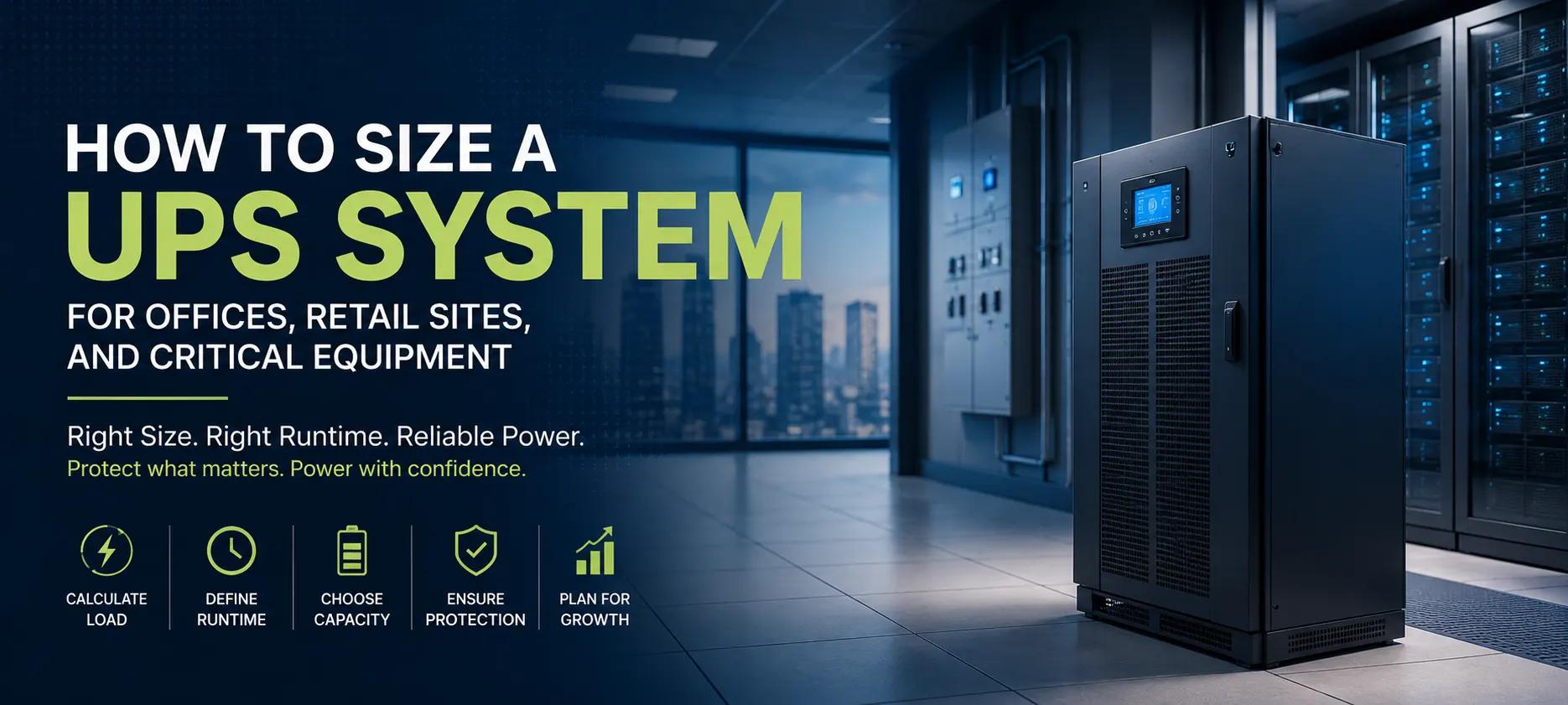
How to Size a UPS System for Offices, Retail Sites, and Critical Equipment
A UPS, or uninterruptible power supply, is often installed with one simple objective: keep equipment running when the normal electrical supply fails. But choosing the right UPS is not simply a matter of adding up the wattage of connected equipment and buying the next available capacity.
A properly sized UPS must account for the actual load, power factor, startup currents, required backup time, battery capacity, future expansion, environmental conditions and the importance of the connected equipment.
This becomes particularly important in offices, retail locations and critical facilities, where a short power interruption can cause lost work, disrupted transactions, communication failures or equipment shutdowns.
The right UPS design therefore needs to balance capacity, runtime, reliability and cost.
What Does a UPS Actually Do?
A UPS provides backup electrical power when the normal supply becomes unavailable or falls outside acceptable limits.
Depending on the UPS technology, it can also help protect connected equipment from certain power-quality problems such as voltage fluctuations and electrical disturbances.
A typical UPS system includes:
UPS power electronics
Battery system
Input and output protection
Charging system
Bypass arrangement
Monitoring and control functions
When utility power is available, the UPS supplies the connected load while maintaining the battery in a charged condition.
When the utility supply fails, the battery provides energy to the UPS inverter, allowing the connected equipment to continue operating for the designed backup period.
The important question is therefore not simply:
"How many watts does the equipment use?"
It is:
"How much power does the UPS need to support, for how long, and under what operating conditions?"
Start by Listing the Actual Loads
The first step in UPS sizing is to identify everything that needs backup power.
For an office, this could include:
Desktop computers
Monitors
Network switches
Wi-Fi equipment
Servers
Routers
CCTV systems
Access-control equipment
VoIP systems
Printers
Critical workstations
A retail site may additionally have:
Point-of-sale terminals
Payment systems
Barcode scanners
Network equipment
Security systems
Digital signage
Retail servers
Communications equipment
Not every electrical load needs to be connected to the UPS.
For example, large printers, air-conditioning systems, kettles, water heaters and other non-critical loads may consume significant power without needing battery backup.
Separating critical loads from non-critical loads can substantially reduce the required UPS capacity and battery cost.
Watts Are Not the Same as VA
One of the most important concepts in UPS sizing is the difference between watts (W) and volt-amperes (VA).
Watts represent real power consumed by the equipment.
VA represents the apparent power that the UPS and electrical system must handle.
The relationship depends on the load's power factor.
A modern UPS may have a high power factor, but connected equipment can have different characteristics.
This is why selecting a UPS based only on the total wattage can produce an incorrect result.
The UPS manufacturer's specifications should be checked for both:
Maximum apparent power in VA or kVA
Maximum real power in W or kW
The connected load must remain within both limits.
Calculate the Current Load
Once the equipment list is prepared, determine the expected load.
Ideally, use measured power consumption where practical rather than relying entirely on nameplate ratings.
Nameplate values can sometimes represent maximum or theoretical consumption rather than actual operating demand.
For existing installations, power meters or UPS monitoring systems can provide useful real-world information.
For new installations, the designer may need to estimate the load from equipment specifications and expected operating conditions.
The result should provide a realistic picture of:
Normal operating load
Peak load
Startup or inrush demand
Expected load variation
Don't Size the UPS at 100% Load
A UPS should generally not be selected so that the expected operating load sits continuously at its absolute maximum rating.
Operating with some spare capacity provides room for:
Future equipment
Temporary load increases
Unexpected demand
Battery ageing effects
Design flexibility
For example, if a calculated critical load is 6 kW, selecting a UPS with exactly 6 kW of usable output leaves virtually no room for expansion or unexpected increases.
A sensible engineering margin is usually preferable.
However, excessive oversizing should also be avoided because it increases capital cost and may reduce economic efficiency.
The objective is to provide appropriate capacity rather than maximum capacity.
Battery Runtime Is a Separate Question
UPS capacity and UPS runtime are not the same thing.
The UPS rating answers:
"How much load can it support?"
Battery capacity answers:
"How long can it support that load?"
A UPS rated at 10 kVA does not automatically provide a specific runtime.
Runtime depends on:
Battery capacity
Number of battery strings
Battery condition
UPS efficiency
Connected load
Ambient temperature
Required end-of-discharge voltage
For many office applications, the required runtime may be relatively short—just enough to ride through brief interruptions or allow controlled shutdown.
Critical equipment may require substantially longer autonomy.
The battery system should therefore be designed around the actual operational requirement.
Short Runtime vs Long Runtime
Not every UPS needs hours of battery backup.
Consider a small office where the main objective is to protect computers and networking equipment from short interruptions.
A few minutes of runtime may be sufficient to:
Continue working through a brief outage
Save important files
Shut down servers safely
Keep network equipment operating temporarily
A critical communication or control system may have a completely different requirement.
If the equipment must remain operational during a prolonged utility failure, the UPS may need additional battery strings or another backup power source such as a generator.
This can create a more practical architecture:
Utility ? UPS ? Critical load
with the UPS providing immediate continuity and a generator supporting longer-duration outages.
Consider Startup and Inrush Currents
Some equipment can draw substantially more current when starting than during normal operation.
This can include certain:
Motors
Transformers
Power supplies
Compressors
Large electronic systems
If these loads are connected to the UPS, the UPS must be capable of handling the transient demand without triggering an overload or bypass condition.
This is one reason why simply adding the normal running wattages may not provide the complete picture.
Equipment startup behaviour should be reviewed during the design stage.
Power Quality and UPS Type
UPS selection is also influenced by the quality of the incoming electrical supply and the sensitivity of the equipment.
Common UPS architectures include:
Offline or standby UPS
Line-interactive UPS
Online double-conversion UPS
The appropriate choice depends on the application.
A basic office workstation may not require the same level of power conditioning as a server, industrial control system or other critical electronic load.
Online double-conversion UPS systems can provide a higher level of isolation between the incoming supply and the connected load, making them attractive for applications where power quality and continuity are particularly important.
However, they can also involve greater complexity and cost.
Environmental Conditions Matter
UPS equipment and batteries are sensitive to environmental conditions.
This is particularly important in warm climates and locations where equipment may be installed in rooms with inadequate cooling.
High temperatures can affect:
Battery life
UPS electronics
Cooling requirements
Overall system reliability
For battery systems, temperature management is especially important because elevated temperatures can significantly affect expected battery service life.
The UPS room or equipment location should therefore have suitable ventilation or cooling.
Dust and humidity should also be considered when selecting the installation location and enclosure arrangement.
Bypass and Maintenance Requirements
A UPS should not become a single point of failure.
Many systems include a bypass arrangement that allows the connected load to receive power from the normal supply if the UPS needs maintenance or experiences a fault.
Depending on the system design, bypass arrangements may include automatic and maintenance bypass functions.
This is particularly important for critical equipment where shutting down the load simply to service the UPS is unacceptable.
For larger installations, redundancy may also be considered.
For example, a critical facility may use multiple UPS modules so that one unit can be serviced while the remaining system continues supporting the load.
UPS Sizing for Offices
Office UPS requirements are often relatively straightforward when the critical loads are clearly identified.
A practical approach is to place the following on UPS power where necessary:
Computers used for critical work
Network equipment
Servers
Communication systems
Security systems
Non-critical loads can remain on the normal electrical supply.
This approach prevents the UPS from being unnecessarily sized for every electrical load in the office.
It also reduces battery requirements and operating costs.
UPS Sizing for Retail Sites
Retail environments introduce additional considerations.
A power interruption can affect:
Point-of-sale systems
Payment terminals
Network connectivity
Security systems
Inventory systems
Customer transactions
Even a short interruption can create operational problems if payment systems or network connections restart.
A UPS can provide continuity long enough for transactions to complete or systems to shut down gracefully.
For retail sites, it is useful to separate transaction-critical equipment from general loads and design the UPS around the equipment that actually needs uninterrupted power.
UPS Sizing for Critical Equipment
Critical applications require a more detailed approach.
Examples may include:
Servers
Data-processing equipment
Telecom equipment
Security control systems
Industrial control systems
Medical or laboratory equipment
Building-management systems
The design should consider not only UPS capacity and runtime but also redundancy, bypass arrangements, monitoring, battery management, maintenance procedures and generator integration where applicable.
For critical systems, availability should be treated as a complete system-design objective rather than simply a UPS specification.
A Practical UPS Sizing Workflow
A simple design process can help avoid common mistakes.
Step 1: Identify critical loads
Decide which equipment genuinely requires uninterrupted power.
Step 2: Determine real and apparent power
Establish the expected W/kW and VA/kVA requirements.
Step 3: Check peak and startup loads
Identify equipment that may create temporary high demand.
Step 4: Add a sensible capacity margin
Allow for realistic future growth and operating variation.
Step 5: Determine required runtime
Establish how long the equipment must remain operational during an outage.
Step 6: Select the UPS architecture
Choose an appropriate UPS topology based on the application and required power quality.
Step 7: Check environmental requirements
Review temperature, ventilation, dust, humidity and battery installation conditions.
Step 8: Review bypass and redundancy
Consider maintenance requirements and the consequences of UPS failure.
Step 9: Verify protection and compatibility
Ensure the UPS is correctly integrated with upstream and downstream electrical protection.
Common UPS Sizing Mistakes
Sizing only from wattage: VA capacity and power factor also matter.
Connecting every load to the UPS: This unnecessarily increases system size and battery requirements.
Ignoring runtime: A correctly sized UPS may still have insufficient battery autonomy.
Operating at maximum capacity: This leaves little room for expansion or load variation.
Ignoring inrush current: Startup demand can cause unexpected overload conditions.
Ignoring battery temperature: Poor environmental conditions can shorten battery life.
Forgetting maintenance bypass: Critical equipment may become difficult to service safely.
Conclusion
Sizing a UPS correctly requires more than adding up equipment wattages.
The design should begin with the critical loads and then consider real power, apparent power, startup demand, capacity margin, battery runtime, environmental conditions, UPS topology and maintenance requirements.
For offices, the priority may be protecting computers, servers and network infrastructure. In retail environments, payment and transaction systems may be the main concern. For critical equipment, redundancy, monitoring and long-duration backup may become equally important.
The most cost-effective UPS is therefore not necessarily the smallest unit that can handle today's load. It is a system that provides the required capacity and runtime with appropriate operating margin while supporting the reliability requirements of the application.
A properly designed UPS system can protect equipment, reduce disruption, support controlled shutdowns and provide valuable continuity when the normal electrical supply fails.
Frequently Asked Questions
1. How do I calculate the UPS size I need?
Start by listing the equipment that actually requires backup. Determine its total real power in watts or kilowatts and apparent power in VA or kVA, then account for peak demand and provide a sensible capacity margin. The final UPS must remain within both its W and VA ratings.
2. How much UPS backup time is required?
There is no universal runtime requirement. A small office may only need enough runtime to survive short interruptions or shut equipment down safely, while critical systems may require longer autonomy supported by additional batteries or a generator.
3. Should everything in an office be connected to the UPS?
Usually not. Only equipment that genuinely requires uninterrupted power should normally be connected. Separating critical and non-critical loads can reduce the required UPS capacity, battery size and overall system cost.
4. Does a bigger UPS always provide longer backup?
No. UPS capacity and battery runtime are separate characteristics. A larger UPS can support a larger load, but runtime depends mainly on the connected load and the installed battery capacity.
5. What is the difference between a UPS and a generator?
A UPS provides almost immediate continuity when the utility supply fails, while a generator is designed for longer-duration power generation. For critical facilities, they can work together: the UPS bridges the interruption while the generator starts and takes over the longer-term backup role.
